BottegaMobile app
Photo: Wilfredor, CC0
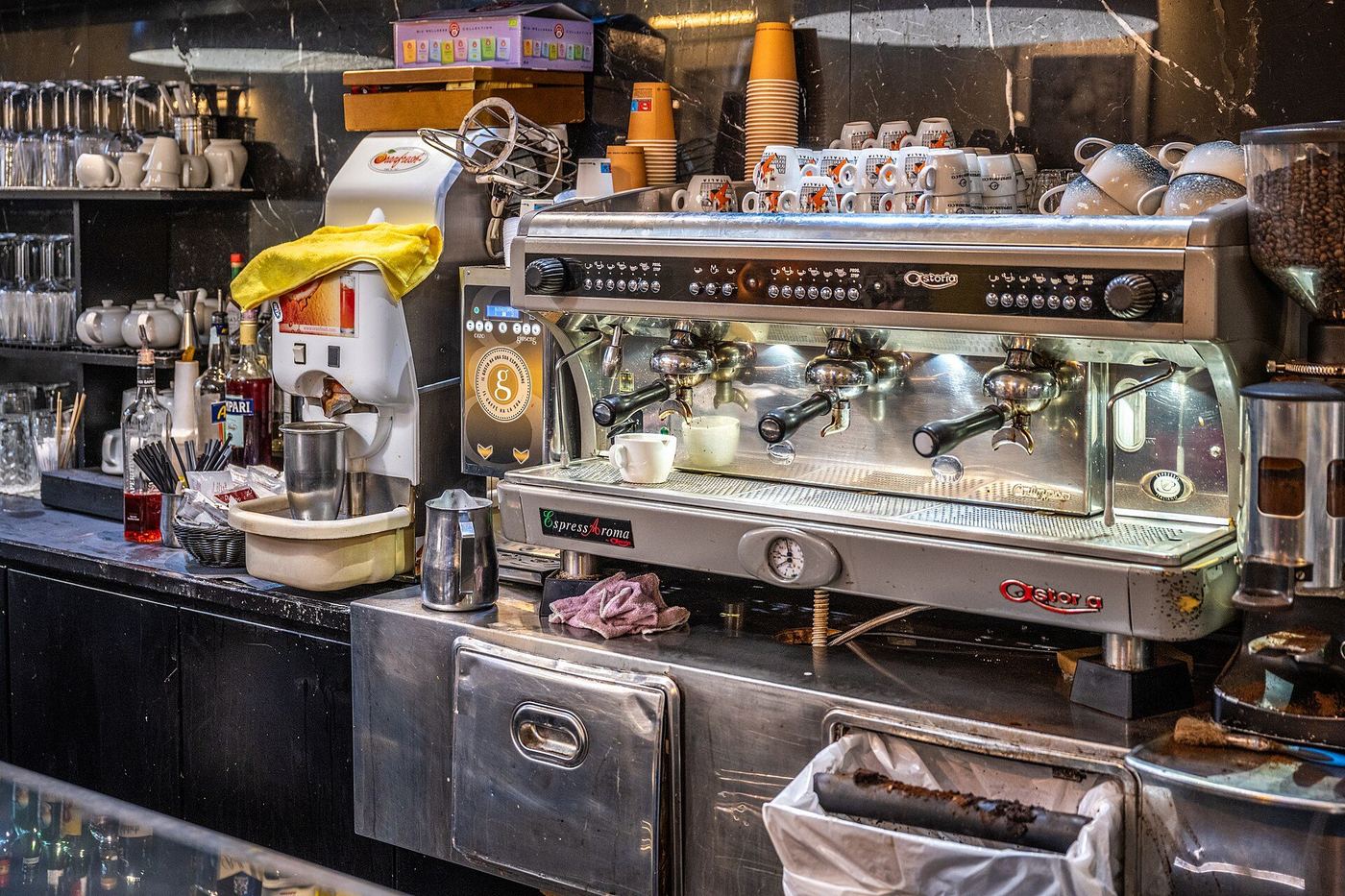
Everyday Italian, at a bar counter. What had to be added for an app made for my own use to last.


Photo: Igor Ovsyannykov, CC0
AI software factory
I set up a complete AI software factory in your organisation. Your teams use it to create the applications your business needs and evolve them as your priorities change, without depending on a vendor.
A critical analysis of what really matters, what can wait and what success looks like.
Explorer agent
Business, data, technology: choices written down and dated before the first line of code.
Planner agent
In your environment: the rules, tools and guardrails within which AI works.
Guardrails in code
Rapid changes, each one checked, without the application losing its shape.
Coder agentReviewer agentTester agent
Each iteration enriches the method, the agents’ rules and the decision log. That capital stays with you: your teams carry on alone, or with occasional support if you wish.
The factory in practice
Does that inspire you?
Photo: Wilfredor, CC0
Everyday Italian, at a bar counter. What had to be added for an app made for my own use to last.
Photo: LEEDS 2023, CC BY-SA 2.0
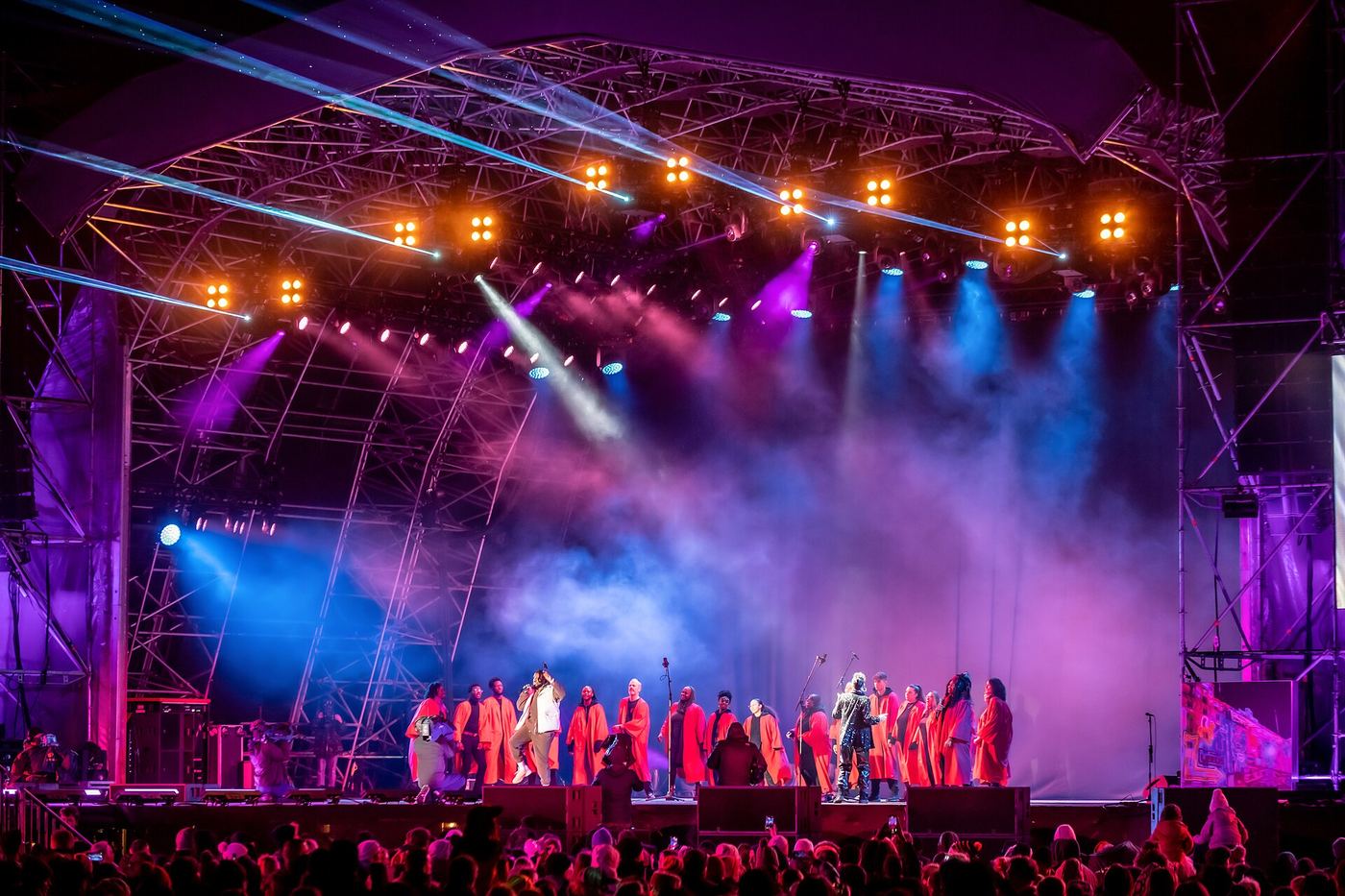
Rehearsing your part in a choir, track by track. The AI runs on my server: the recordings never leave my environment.
Photo: Sabrina Schreiber, CC BY-SA 4.0
A household budget: sensitive data. AI wrote the program; it never sees the figures.
Photo: Alexandre Buisse, CC BY-SA 4.0
A hiking logbook. From the first prototype to a hosted service, backed up and monitored.
i. Bottega del Sì · learning Italian
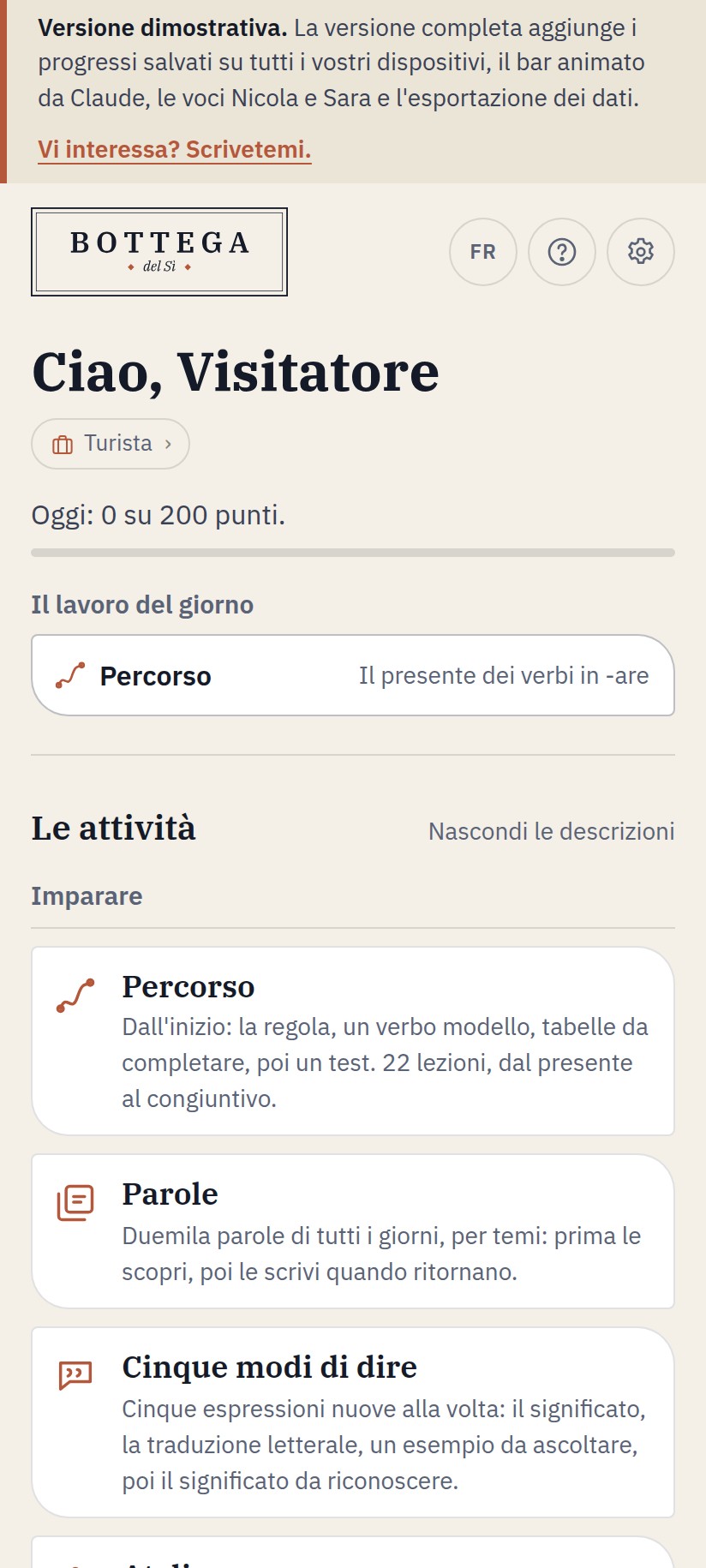
Born as a single page written for myself, now an application that guests use every day.
A hundred and fifty irregular verbs across eight tenses, two thousand everyday words, some twenty games and a conversation at the bar with Gianni, the tutor. All in Italian, with the French translation one tap away. Your level follows what you have mastered, not the points you have scored.
Keeping up a short, varied daily practice on your phone, with immediate feedback on every mistake and a conversation that corrects without judging.
The demo runs without AI or voices: the bar answers with prepared sentences, and the speaker icons say so.
ii. Woodshed · choir rehearsal
The name comes from jazz: to woodshed, to shut yourself away and practise.
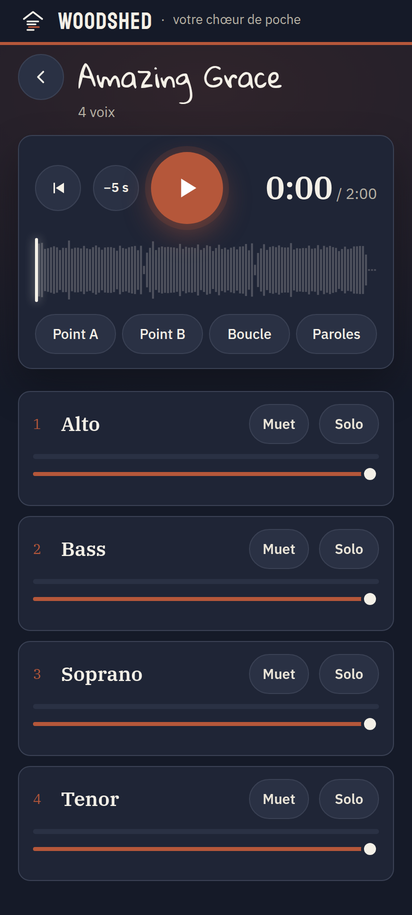
One track per voice, one mix per device: you isolate your part, turn the others down, loop the difficult passage, and the lyrics scroll along. The conductor publishes the pieces; the singers listen on their phones, on the train as much as at rehearsal.
Replacing the recordings passed around by messaging with a shared player, where each singer isolates their voice and follows the words without a score at hand.
Four pieces in four voices, synthesised from free scores. The full version adds your own recordings and lyric extraction.

iii. Pactole · wealth and budget
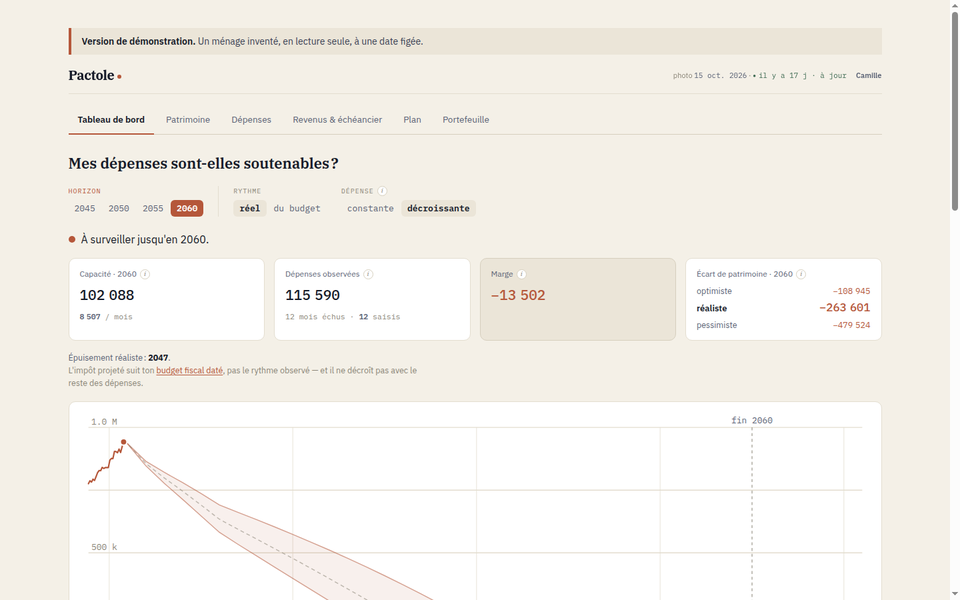
A single question, asked of figures you entrust to no one.
Accounts from every bank brought together, statements imported and classified automatically, income and due dates, the pension plan, the investments. The dashboard answers with a range, from the favourable scenario to the unfavourable one.
Steering a household’s finances over twenty years without a spreadsheet: seeing what is covered, what is missing, and when to act.
Camille and Robin, a fictitious household, twenty-four months of made-up statements, a date frozen on 1 November 2026.

iv. Ut På Tur · Nordic treks
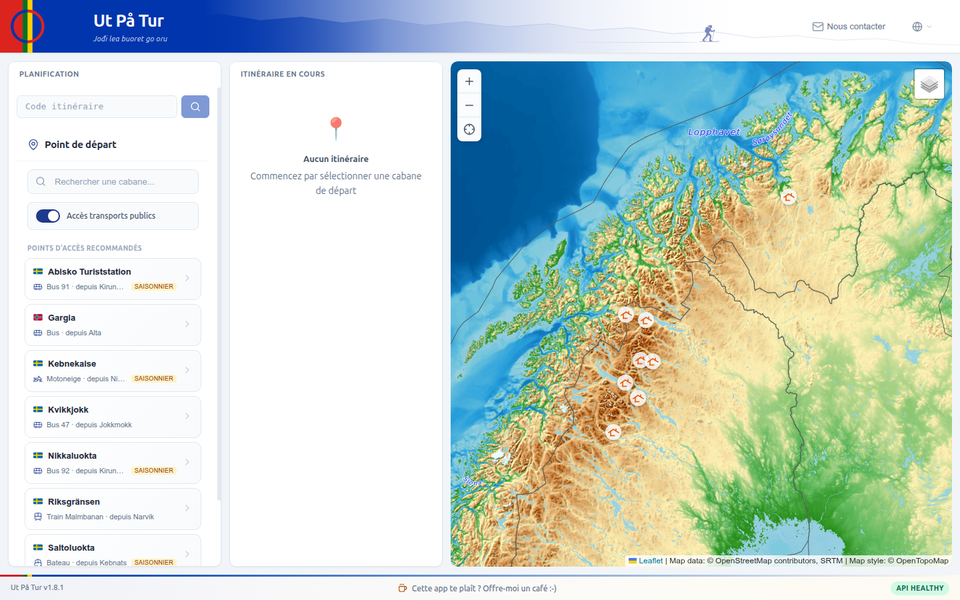
The first of the four: a holiday experiment that became an online service, backed up and monitored.
The huts of Swedish and Norwegian Lapland, linked by summer trails and winter routes, all assembled from open geographic data. You pick a starting point, the tool suggests the huts within a day’s reach, you chain them, compare, read the relief, and take the route with you.
Planning a ski or hiking trek without leafing through ten websites: distances, huts, seasons and relief on a single screen.
This is the application itself, in service, not a frozen demo: open data, a personal project, no availability guarantee.